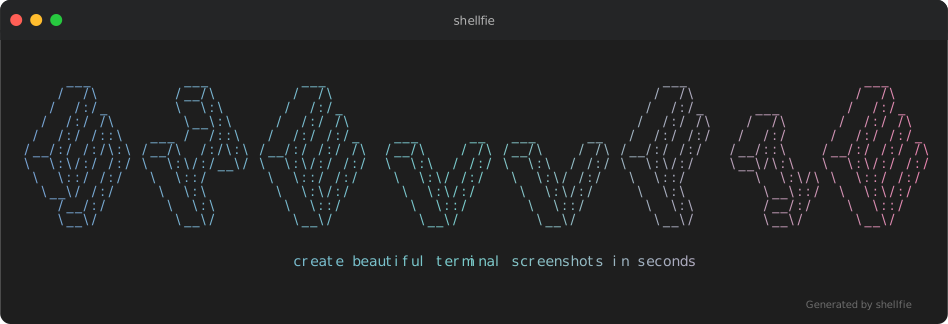
Take a shell selfie.
Your terminal output deserves better than a blurry screenshot.
import shellfie, { themes } from "shellfie";
import { writeFileSync } from "node:fs";

const script = `
#!/bin/bash

echo "Hello World!"
`;

const svg = shellfie(script, {
  template: "macos",
  theme: themes.draculaPro,
  title: "Syntax highlighting",
  watermark: "\x1b[38;5;242mGenerated by shellfie\x1b[0m",
});

writeFileSync("highlight.svg", svg);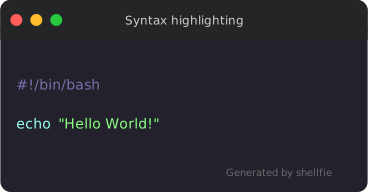
| Feature | shellfie | carbon-now-cli | svg-term | termtosvg |
|---|---|---|---|---|
| Zero dependencies | ✅ | ❌ | ❌ | ❌ |
| No native bindings | ✅ | ❌ | ❌ | ❌ |
| No headless browser | ✅ | ❌ | ✅ | ✅ |
| Full ANSI support | ✅ | ✅ | ✅ | ✅ |
| 24-bit true color | ✅ | ✅ | ❌ | ✅ |
| Runs in browser | ✅ | ❌ | ❌ | ❌ |
| Synchronous API | ✅ | ❌ | ❌ | ❌ |
| Built-in Syntax hightligher | ✅ | ❌ | ❌ | ❌ |
✅ Infinitely scalable — pixel-perfect at any zoom level, retina-ready by default.
✅ Selectable text — copy code directly from the image.
✅ Embeddable everywhere — high quality embedding in READMEs, docs, blogs, everywhere.
✅ Tiny files — 2-10KB vs blurry 500KB+ PNGs.
✅ No rendering pipeline — runs anywhere JavaScript runs.
npm install shellfieimport shellfie from "shellfie";
const svg = shellfie(terminalOutput, {
template: "macos",
title: "npm test",
});<script type="module">
import shellfie from "https://esm.sh/shellfie";
const svg = shellfie("\x1b[32m$ npm test\x1b[0m\nAll tests passed!", {
template: "macos",
title: "terminal",
});
document.body.innerHTML = svg;
</script>| macOS | Windows | Minimal |
|---|---|---|
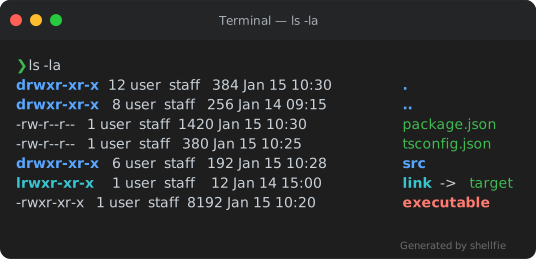 |
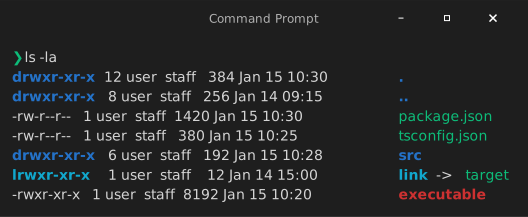 |
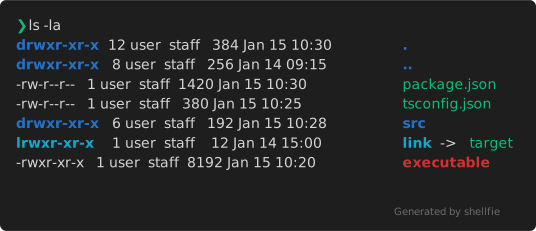 |
shellfie(output, { template: "macos" }); // default
shellfie(output, { template: "windows" });
shellfie(output, { template: "minimal" });Create your own templates with createTemplate:
import shellfie, { createTemplate } from "shellfie";

const myTemplate = createTemplate("my-template", {
  titleBar: true,
  titleBarHeight: 40,
  borderRadius: 10,
  controls: true,
  controlsPosition: "left",
  controlStyle: {
    close: "#ff5f56",
    minimize: "#ffbd2e",
    maximize: "#27c93f",
    radius: 6,
    spacing: 20,
    size: 12,
  },
  padding: 16,
  shadow: true,
  border: false,
  borderColor: "#333333",
  borderWidth: 0,
  header: {
    backgroundColor: "rgb(36, 37, 38)",
    border: false,
  },
});

shellfie(output, { template: myTemplate });
Templates can include default header and footer configurations. User options always override template defaults:
// Template has header.backgroundColor set, but user can override it
shellfie(output, {
  template: myTemplate,
  header: { backgroundColor: "#000000" }, // overrides template default
});shellfie(input, {
template?: "macos", // 'macos' | 'windows' | 'minimal' | Template
title?: "my-terminal", // window title
width?: 80, // SVG width in pixels (auto-detected if not set)
height?: 400, // SVG height in pixels (auto-detected if not set)
padding?: 16, // number | [v, h] | [top, right, bottom, left]
controls?: true, // show window control buttons
controlsPosition?: "left", // 'left' (macOS) or 'right' (Windows)
fontSize?: 14, // font size in pixels
lineHeight?: 1.4, // line height multiplier
fontFamily?: "'SF Mono', Monaco, monospace", // font stack
customGlyphs?: true, // pixel-perfect box drawing characters
embedFont?: true, // embed default font as base64 (async only)
customFont?: { // use your own font
data: base64FontData, // base64-encoded font data
format: "woff2", // 'woff2' | 'woff' | 'ttf'
},
theme?: customTheme, // custom color theme or see themes below
language?: "typescript", // syntax highlighting: 'auto' | language | false
watermark?: "Generated by shellfie", // string or WatermarkConfig (see Watermarks below)
header?: { // header configuration
backgroundColor?: "#2d2d2d", // title bar background color
height?: 40, // title bar height in pixels
border?: true, // show bottom border
borderColor?: "#1a1a1a", // border color
borderWidth?: 1, // border width in pixels
},
footer?: { // footer configuration
backgroundColor?: "#2d2d2d", // footer background color
height?: 30, // footer height in pixels
border?: true, // show top border
borderColor?: "#1a1a1a", // border color
borderWidth?: 1, // border width in pixels
},
background?: "#1a1a2e", // outer background (see Background section below)
effects?: "crt", // post-processing (see Effects section below)
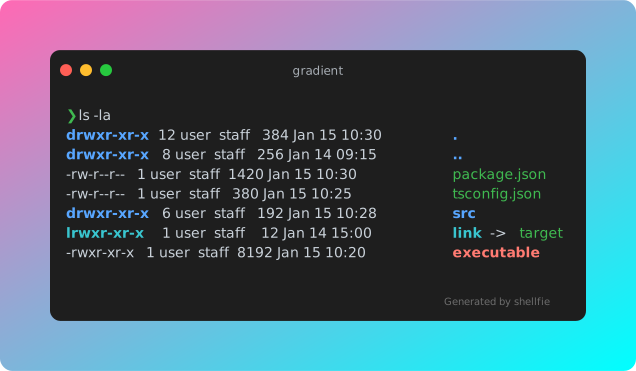
});Add a background container around the terminal with solid colors or gradients:
// Simple hex color
shellfie(output, {
  background: "#1a1a2e",
});

// Gradient string with direction
shellfie(output, {
  background: "gradient(hotpink, cyan:diagonal)",
});

// Full configuration with padding and border radius
shellfie(output, {
  background: {
    color: "gradient(#ff0000, #0000ff:vertical)",
    padding: 50,
    borderRadius: 20,
  },
});
| Option | Type | Default | Description |
|---|---|---|---|
color |
string | Gradient |
- | Hex color or gradient string |
padding |
number |
20 |
Space between terminal and background edge |
borderRadius |
number |
12 |
Border radius of background container |
Gradients use the format gradient(color1, color2:direction:reverse):
"gradient(#ff0000, #0000ff)"           // horizontal (default)
"gradient(hotpink, cyan:vertical)"     // vertical
"gradient(#ff6b6b, #4ecdc4:diagonal)"  // diagonal (top-left to bottom-right)
"gradient(pink, purple:horizontal:reverse)" // reversed direction| Direction | Description |
|---|---|
horizontal |
Left to right (default) |
vertical |
Top to bottom |
diagonal |
Top-left to bottom-right |
Add :reverse to reverse the gradient direction.
Post-processing for the finished SVG, powered by vctrfx. Still vector, still editable — no rasterizing.
shellfie(input, { effects: "crt" });
shellfie(input, { effects: "scanlines(gap:3,opacity:.35) grain(amount:.4)" });
27 effects and 8 presets are reachable by name. crt, vhs, riso, xerox,
neon, film, newsprint and cyberpunk are the presets; the effects behind
them are listed in the vctrfx README.
Effects apply left to right, exactly as you would stack them in an editor.
shellfie(input, { effects: "grayscale scanlines vignette" });Arguments go in parentheses as key: value. A dotted key reaches inside a preset,
so the rest of the recipe stays put:
shellfie(input, { effects: "crt(scanlines.gap:3, animate:true)" });Arrays mix names, option objects and vctrfx effects freely:
import { crt, grain } from "vctrfx";

shellfie(input, { effects: ["crt", { grain: { amount: 0.4 } }] });
shellfie(input, { effects: [crt(), grain({ amount: 0.4 })] });The object form adds vctrfx's own settings, plus target:
shellfie(input, {
  effects: {
    use: "crt",                // the stack — any of the forms above
    target: "terminal",        // 'all' (default) or 'terminal'
    seed: "hero",              // seeds grain, glitch and friends; same seed, same output
    animate: false,            // strip self-animating effects, for print or snapshots
    clip: "shape",             // 'shape' (default) trims to the artwork's own frame
    format: "preserve",        // 'preserve' | 'pretty' | 'minify'
  },
});| Option | Default | What it does |
|---|---|---|
use |
— | The effect stack |
target |
'all' |
'all' post-processes the whole image, outer background included. 'terminal' confines the effects to the window, leaving the background, padding, shadow and glow untouched |
seed |
'vctrfx' |
Seeds every random decision. Change it to reroll a glitch or a grain field |
animate |
true |
false strips animation from every effect that asked for it |
clip |
'shape' |
'none' lets effects spill past the artwork's frame |
format |
'preserve' |
'pretty' re-indents, 'minify' drops comments and layout whitespace |
An unknown name is an error with a suggestion, not a silently missing effect:
Unknown effect "scanline". Did you mean "scanlines"?
Add a watermark to the bottom-right corner of your SVG:
// Simple string (supports ANSI codes)
shellfie(output, {
  watermark: "\x1b[90mGenerated by shellfie\x1b[0m",
});

// Full configuration
shellfie(output, {
  watermark: {
    content: "powered by shellfie",
    style: {
      padding: 16, // number | [v, h] | [top, right, bottom, left]
      margin: [0, 8],
      opacity: 0.8,
    },
  },
});| Option | Type | Description |
|---|---|---|
content |
string |
Text (with ANSI) or SVG markup |
type |
'text' | 'markup' |
Auto-detected: markup if starts with SVG element |
style |
WatermarkStyle |
CSS-like positioning and appearance |
Supports CSS shorthand notation for padding and margin:
style: {
  padding: 16,              // all sides
  padding: [8, 16],         // [vertical, horizontal]
  padding: [8, 16, 8, 16],  // [top, right, bottom, left]
  paddingTop: 8,            // individual sides
  margin: 0,
  marginRight: 8,
}
Additional SVG-compatible style properties are passed through:
style: {
  opacity: 0.5,
  filter: "blur(1px)",
  transform: "rotate(-5deg)",
}
Note: Standard CSS properties like
borderdon't work in SVG. Use SVG-specific properties (stroke,stroke-width) or markup watermarks for complex styling.
For advanced watermarks, use raw SVG markup:
shellfie(output, {
  watermark: {
    content: `
      <a href="https://github.com/tool3/shellfie">
        <rect width="100" height="20" rx="3" fill="#333"/>
        <text x="50" y="14" text-anchor="middle" fill="#fff">shellfie</text>
      </a>
    `,
    // type auto-detected as 'markup' since content starts with '<a'
  },
});
The markup is wrapped in a <g> element positioned at the bottom-right, with font-family, font-size, and fill inherited from the theme.
For portable SVGs that render identically everywhere:
import { shellfieAsync } from "shellfie";

const svg = await shellfieAsync(input, { embedFont: true });
The font gets base64-encoded directly into the SVG. No external requests, no CORS issues, no "why does this look different on their machine" debugging sessions.
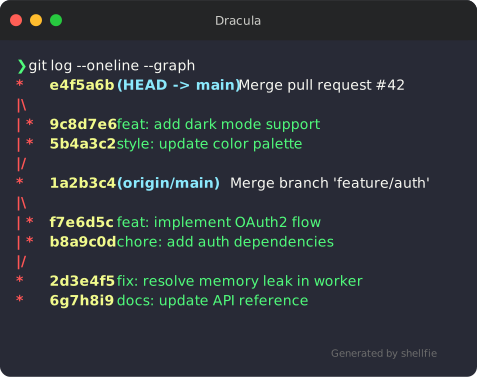
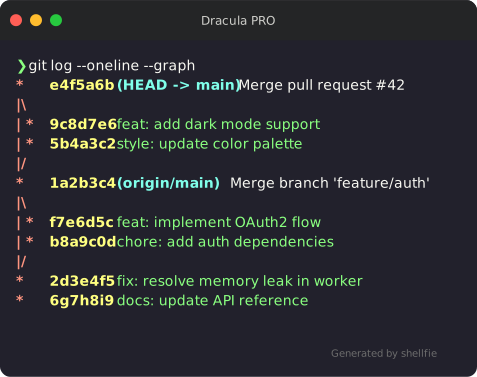
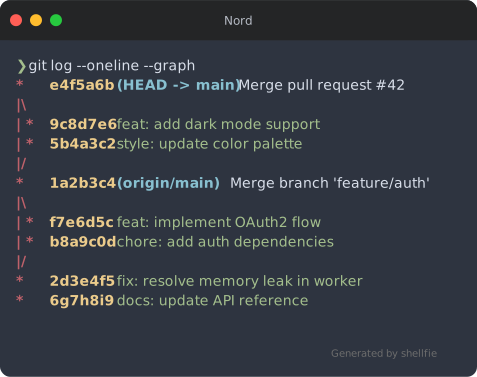
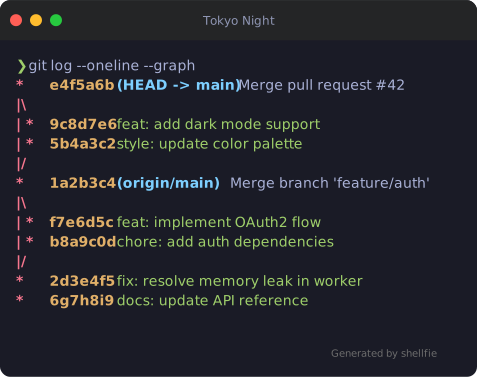
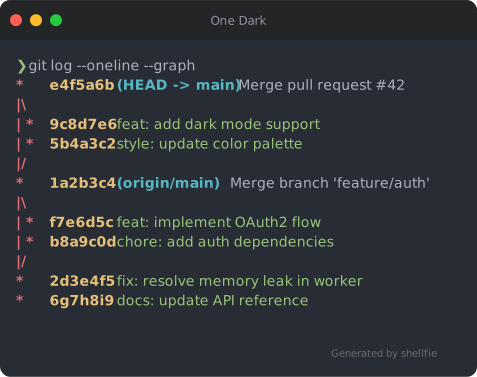
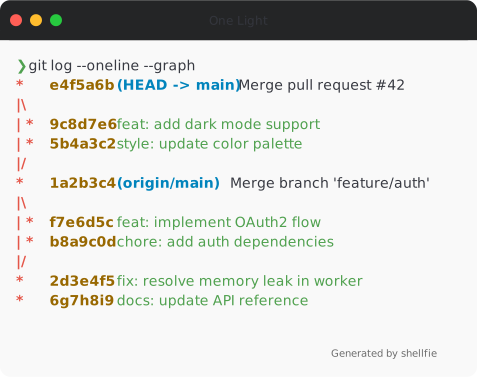
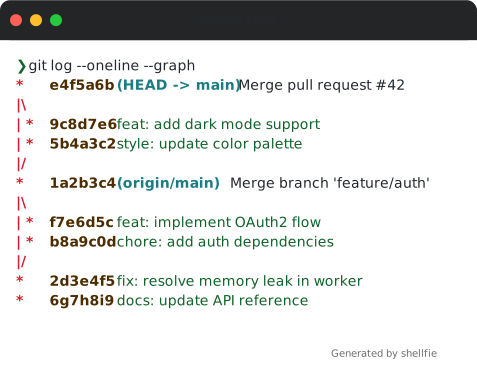
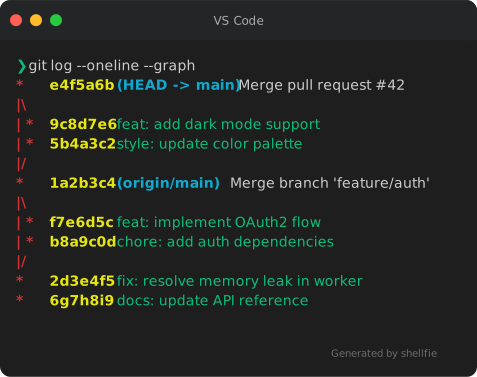
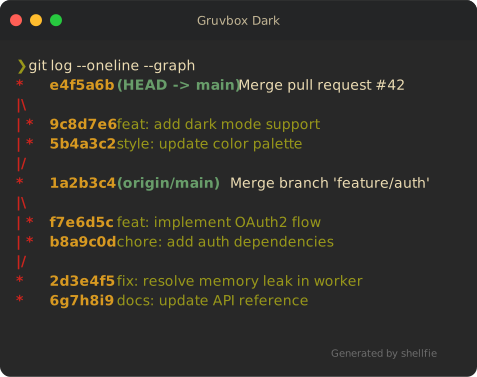
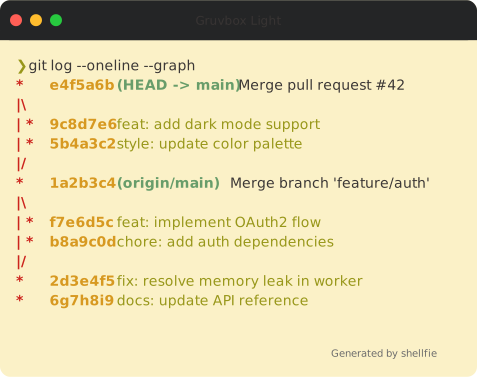
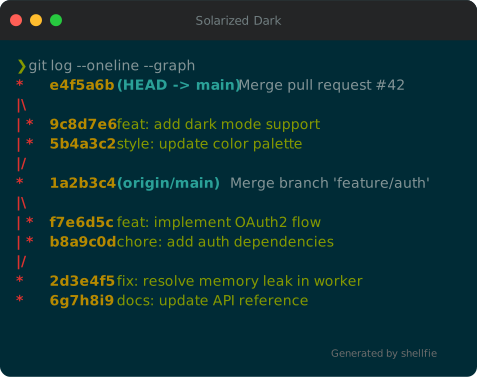
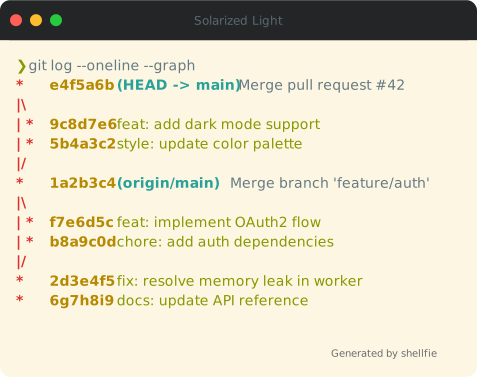
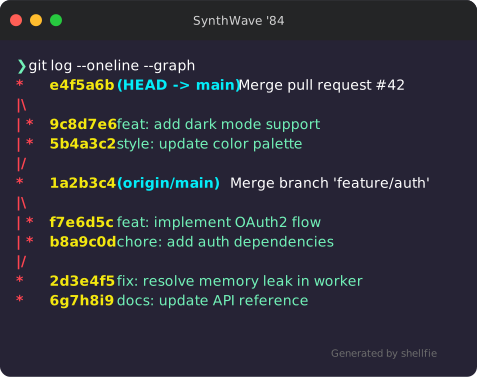
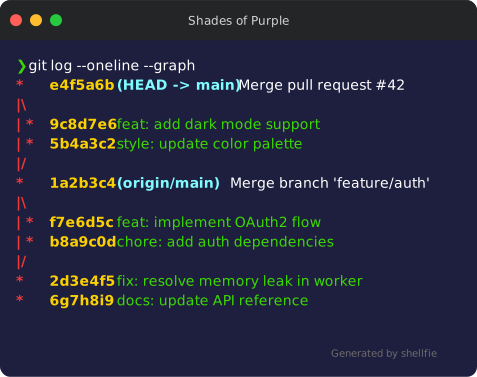
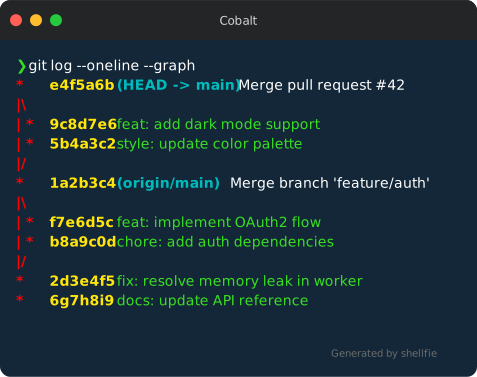
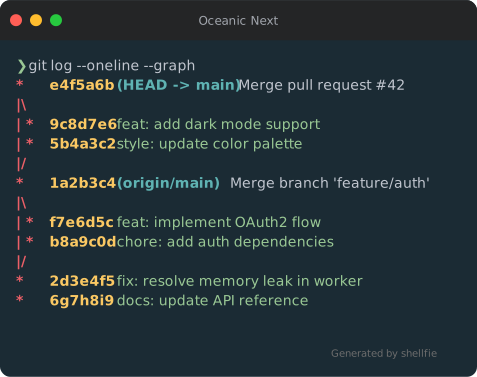
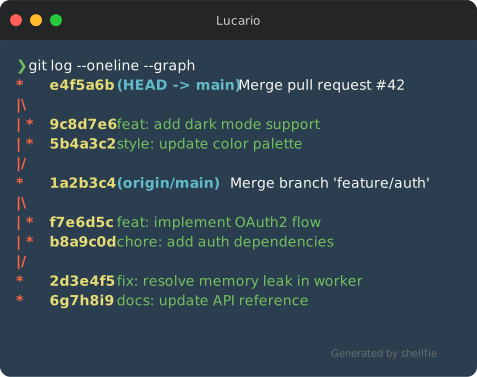
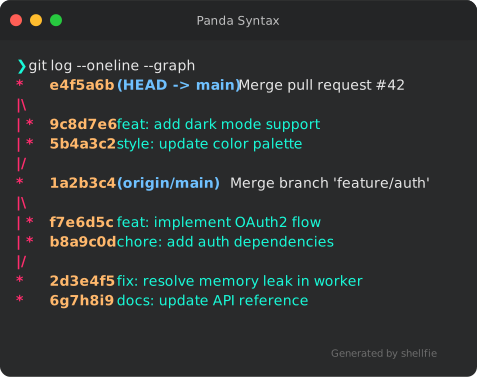
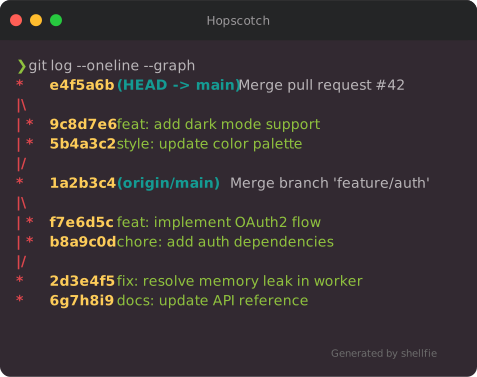
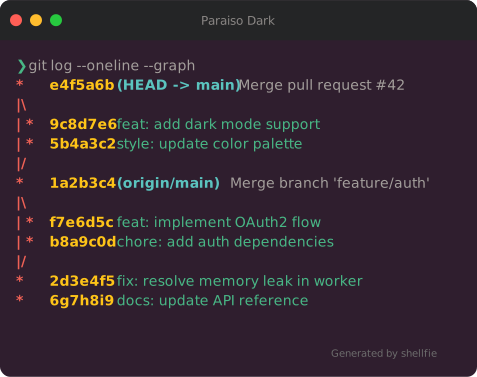
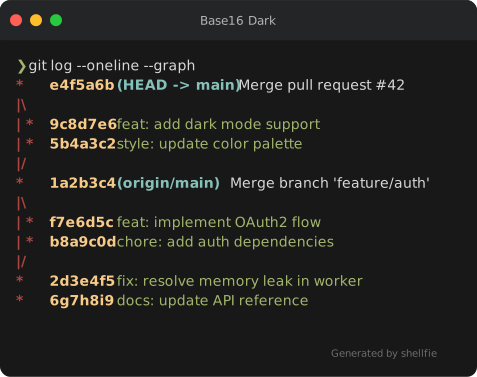
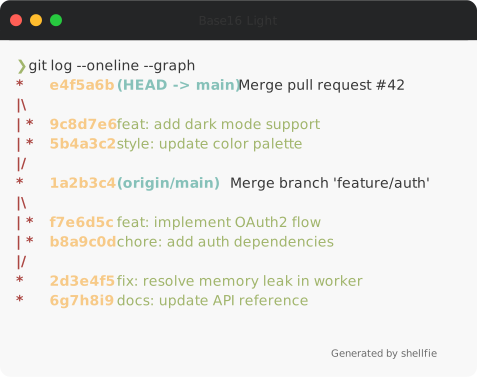
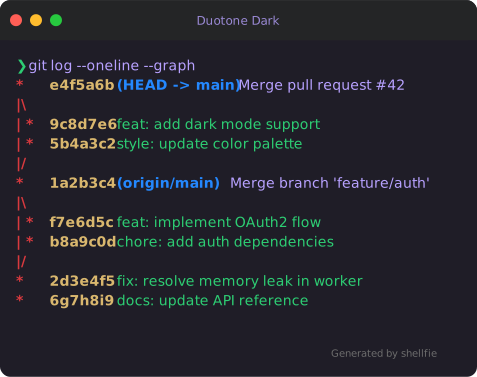
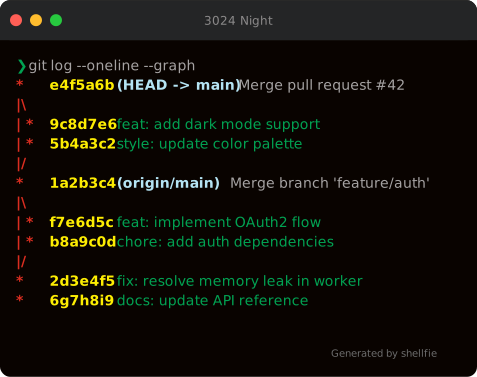
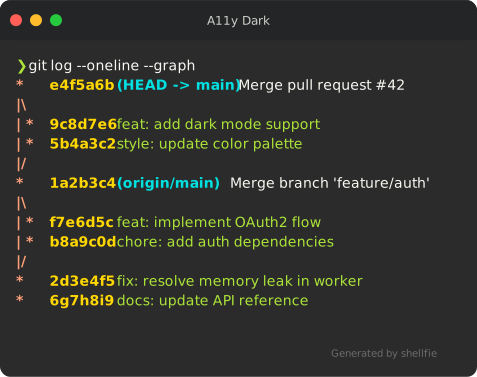
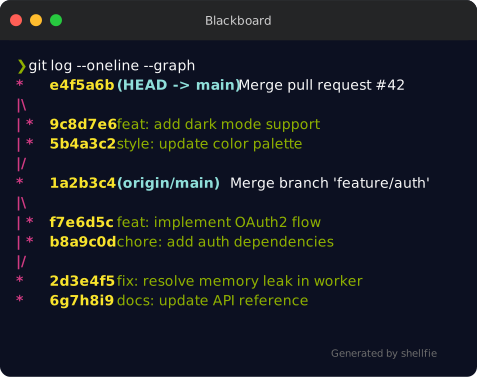
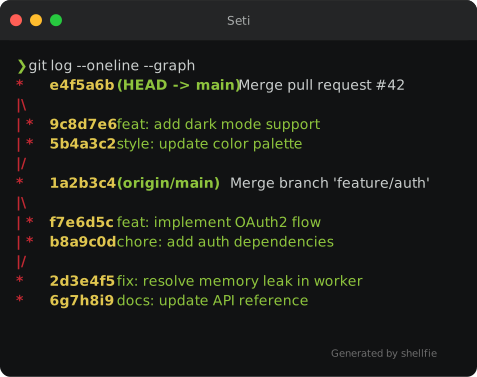
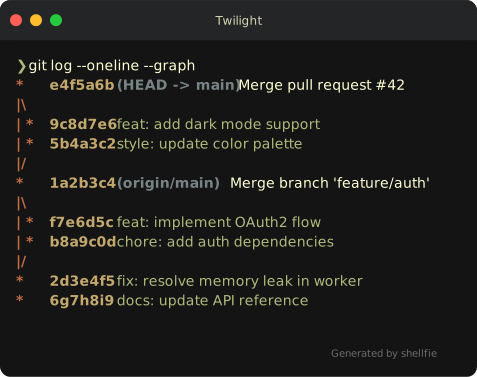
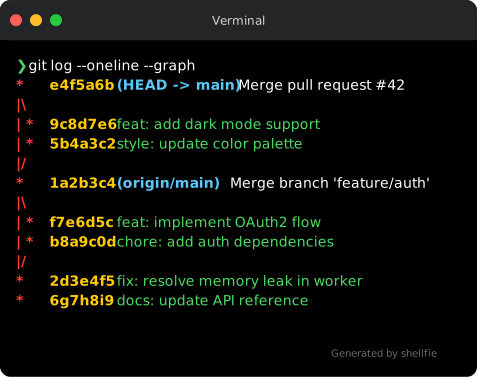
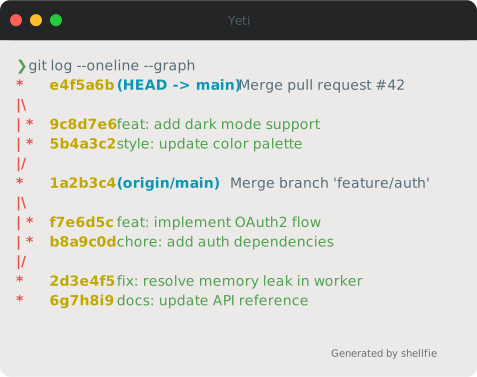
shellfie comes with 35 built-in themes:
import shellfie, { dracula, nord, tokyoNight } from "shellfie";

shellfie(output, { theme: dracula });| Dracula | Dracula PRO | Nord |
|---|---|---|
 |
 |
 |
| Tokyo Night | One Dark | One Light |
|---|---|---|
 |
 |
 |
| Monokai | Catppuccin Mocha | Material |
|---|---|---|
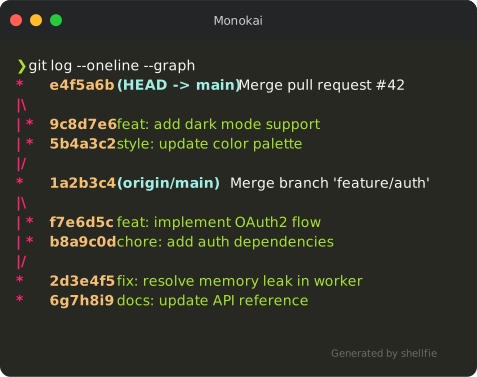 |
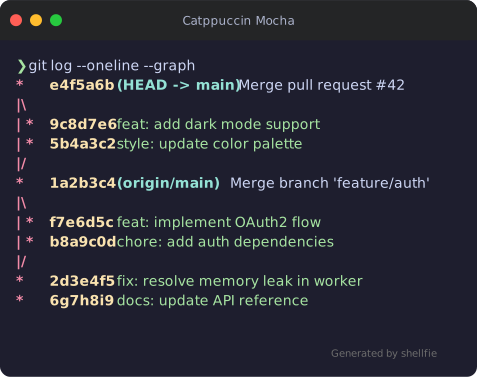 |
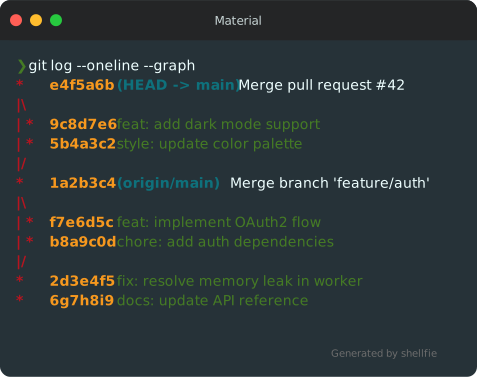 |
| GitHub Dark | GitHub Light | VS Code |
|---|---|---|
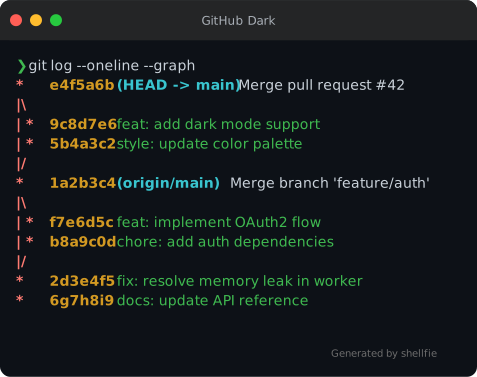 |
 |
 |
| Gruvbox Dark | Gruvbox Light | Solarized Dark |
|---|---|---|
 |
 |
 |
| Solarized Light | SynthWave '84 | Shades of Purple |
|---|---|---|
 |
 |
 |
| Cobalt | Oceanic Next | Lucario |
|---|---|---|
 |
 |
 |
| Panda Syntax | Hopscotch | Paraiso Dark |
|---|---|---|
 |
 |
 |
| Base16 Dark | Base16 Light | Duotone Dark |
|---|---|---|
 |
 |
 |
| 3024 Night | A11y Dark | Blackboard |
|---|---|---|
 |
 |
 |
| Seti | Twilight | Verminal |
|---|---|---|
 |
 |
 |
| Yeti | Zenburn |
|---|---|
 |
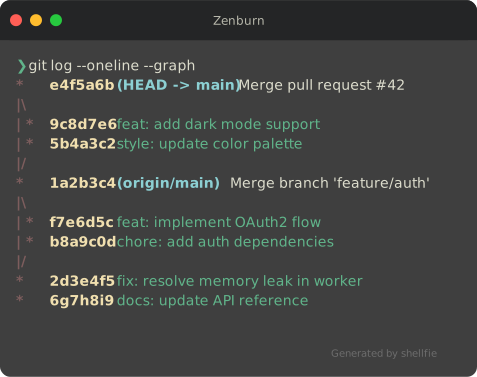 |
import shellfie, { createTheme } from "shellfie";

const theme = createTheme({
  name: "ocean",
  background: "#0a2540",
  foreground: "#e6f1ff",
  red: "#ff6b6b",
  green: "#69db7c",
  // ... all 16 ANSI colors
});

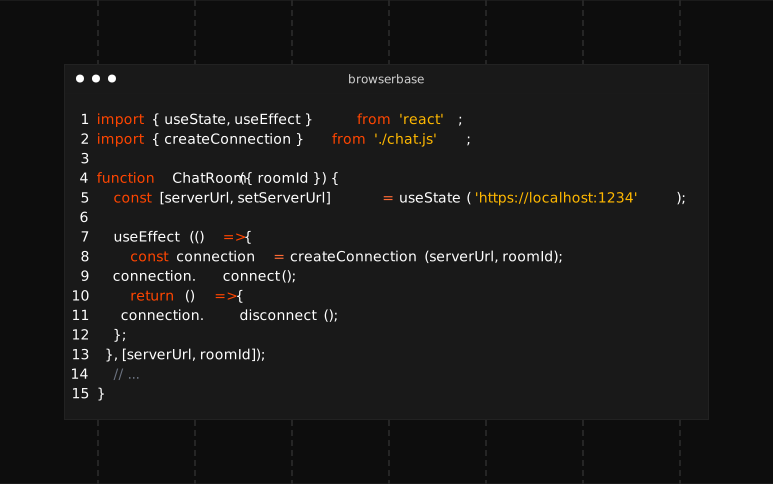
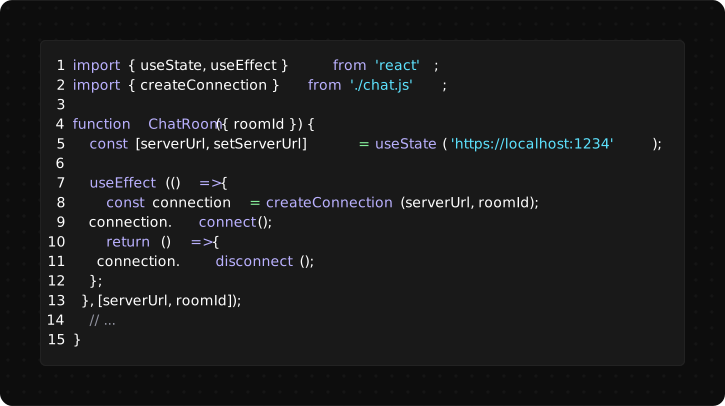
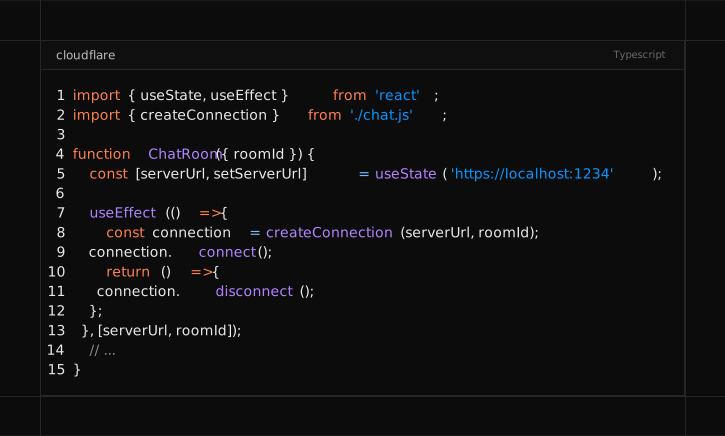
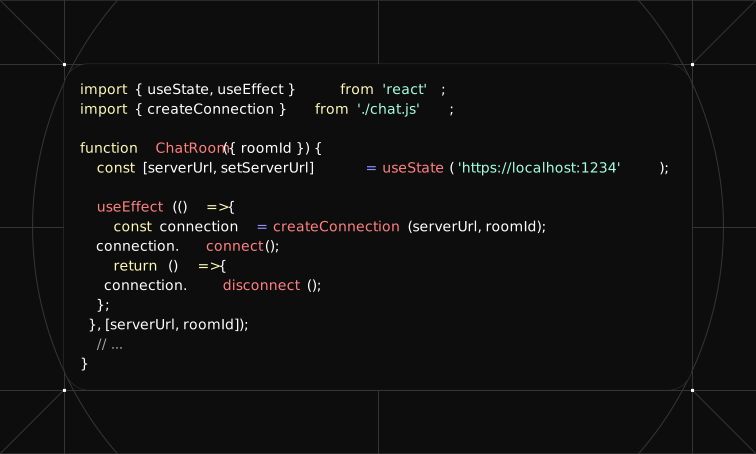
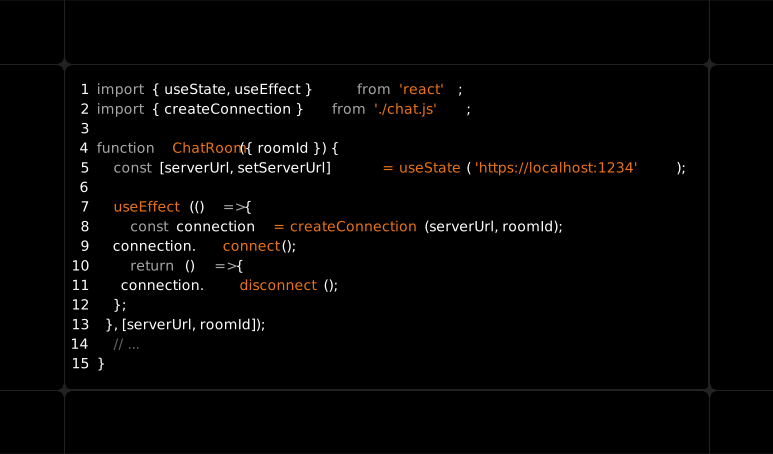
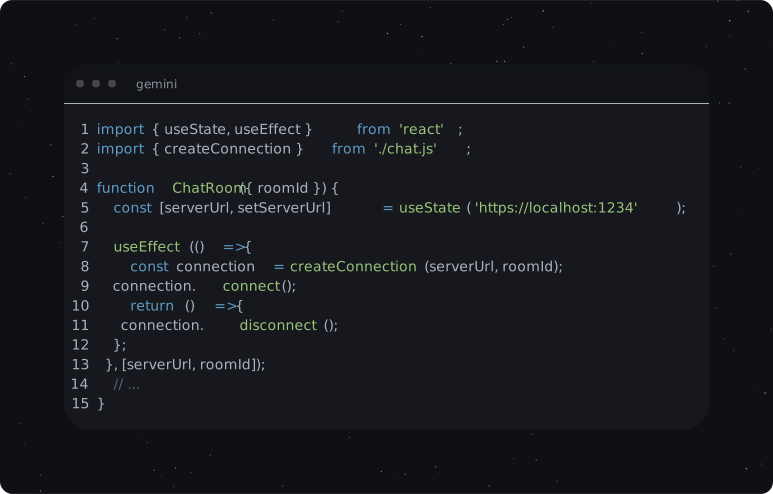
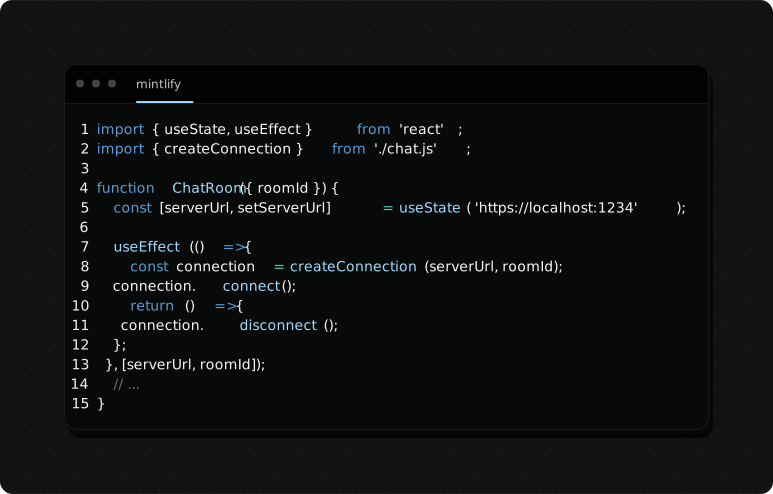
shellfie(output, { theme });shellfie comes with 15 built-in presets:
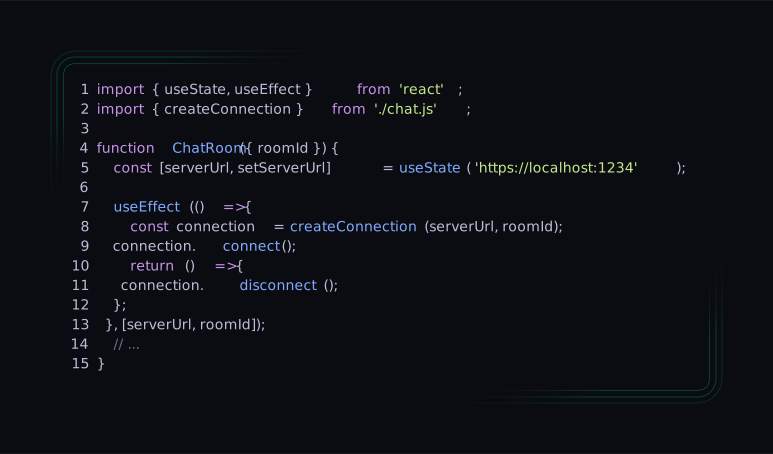
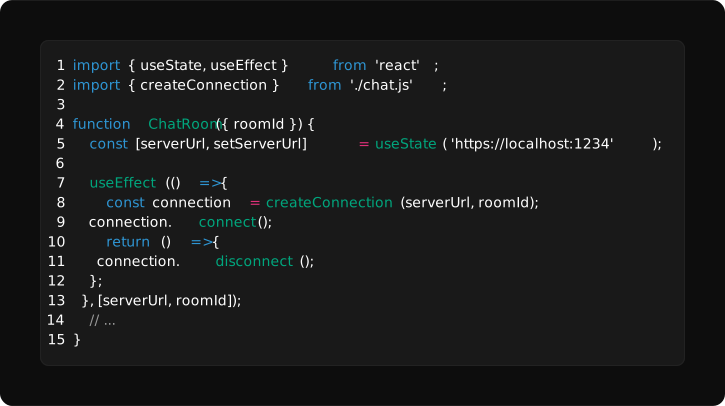
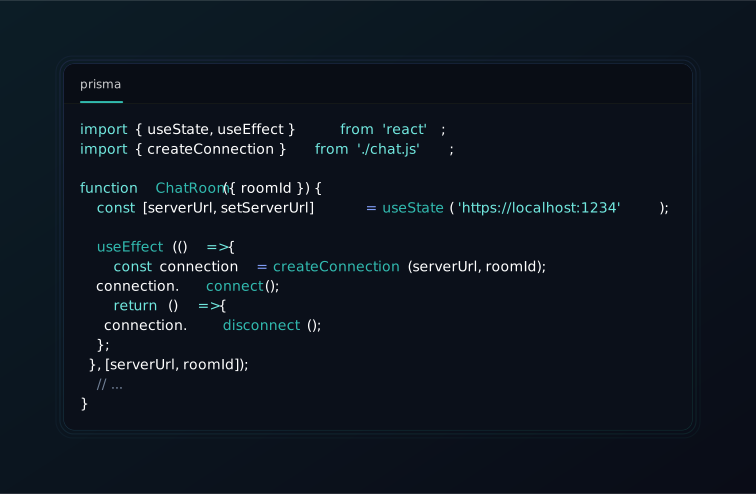
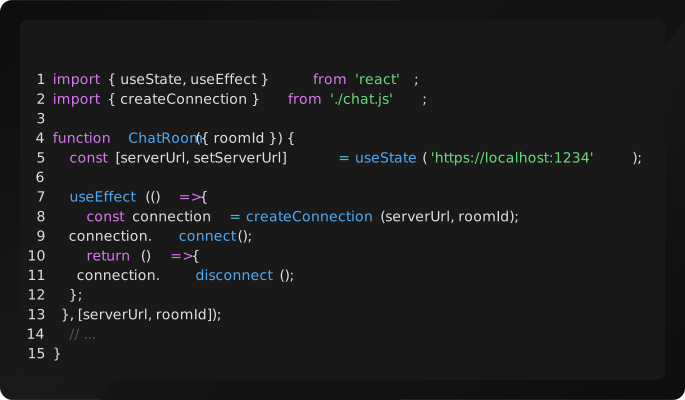
import shellfie from "shellfie";

shellfie(output, { preset: 'vercel' });| Browserbase | Clerk | Cloudflare |
|---|---|---|
 |
 |
 |
| ElevenLabs | Firecrawl | Gemini |
|---|---|---|
 |
 |
 |
| Mintlify | Nuxt | OpenAI |
|---|---|---|
 |
 |
 |
| Prisma | Resend | Supabase |
|---|---|---|
 |
 |
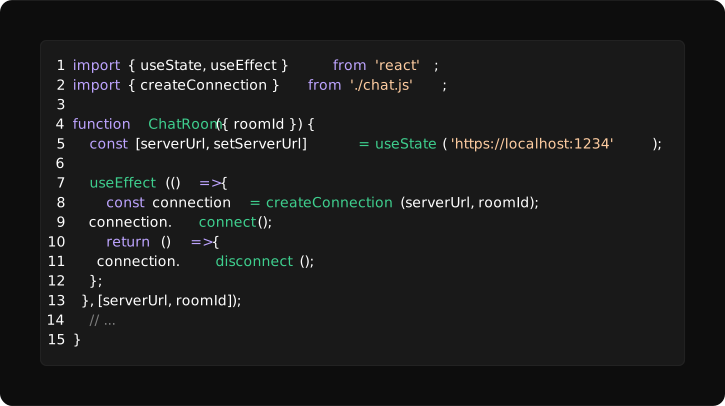 |
| Tailwind | Trigger.dev | Vercel |
|---|---|---|
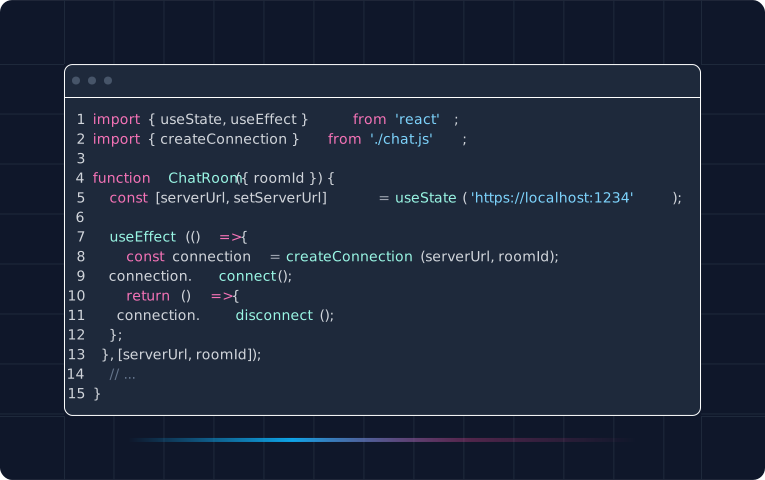 |
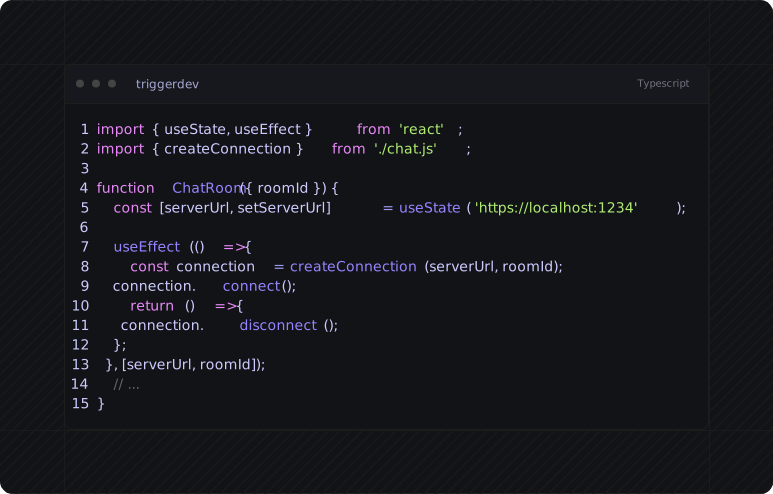 |
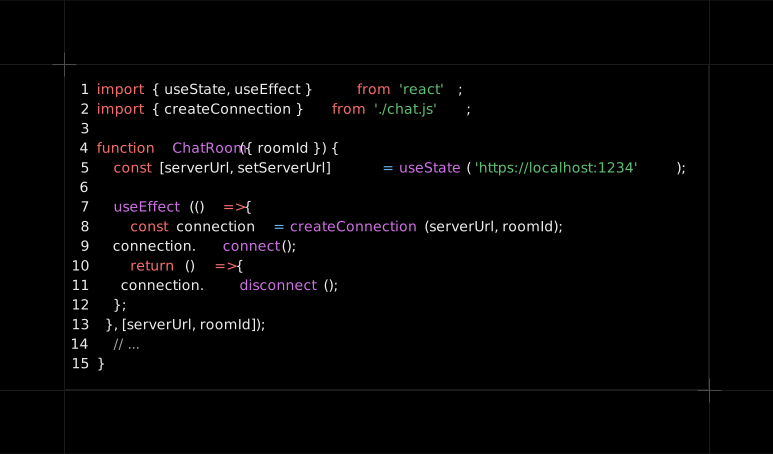 |
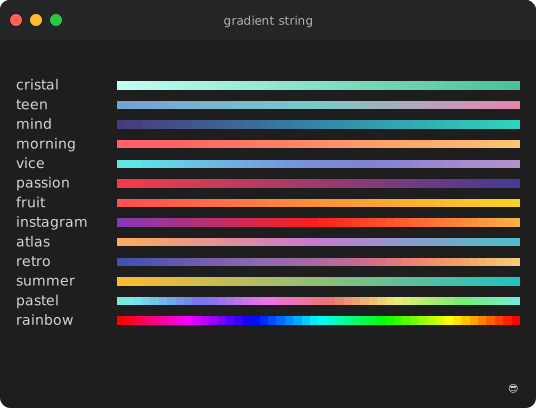
import gradient from "gradient-string";
import shellfie from "shellfie";

const svg = shellfie(gradient.rainbow("Hello World"), {
  template: "macos",
  title: "gradient string",
});
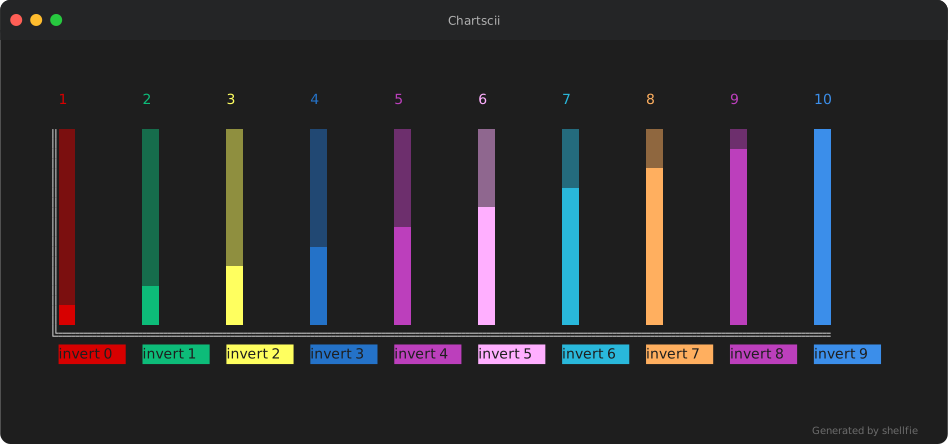
import Chartscii from "chartscii";
import shellfie from "shellfie";

const chart = new Chartscii(data, {
  barSize: 2,
  fill: "▒",
  colorLabels: true,
  orientation: "vertical",
  valueLabels: true,
});

const svg = shellfie(chart.create(), {
  template: "macos",
  title: "Chartscii",
  padding: 50,
});
shellfie(execSync("git diff --color=always").toString());
shellfie(execSync("npm test 2>&1").toString());
shellfie(execSync("ls -la --color=always").toString());import { parse, render, stripAnsi, getMaxWidth } from "shellfie";
const lines = parse("\x1b[31mred\x1b[0m text");
const svg = render(lines, options);
stripAnsi("\x1b[31mred\x1b[0m"); // 'red'
getMaxWidth(lines); // 80- See shellfie-cli for shellfie on command line.
- See vctrfx for the post-processing behind
effects. - See shellfied for the shellfie on web.
- See dvd for shellfie on drugs !
MIT